See clearly inside the device you already own.
Start with the exact headset or frame. Fovevia routes you to the relevant prescription-lens path and flags anything that still needs confirmation.
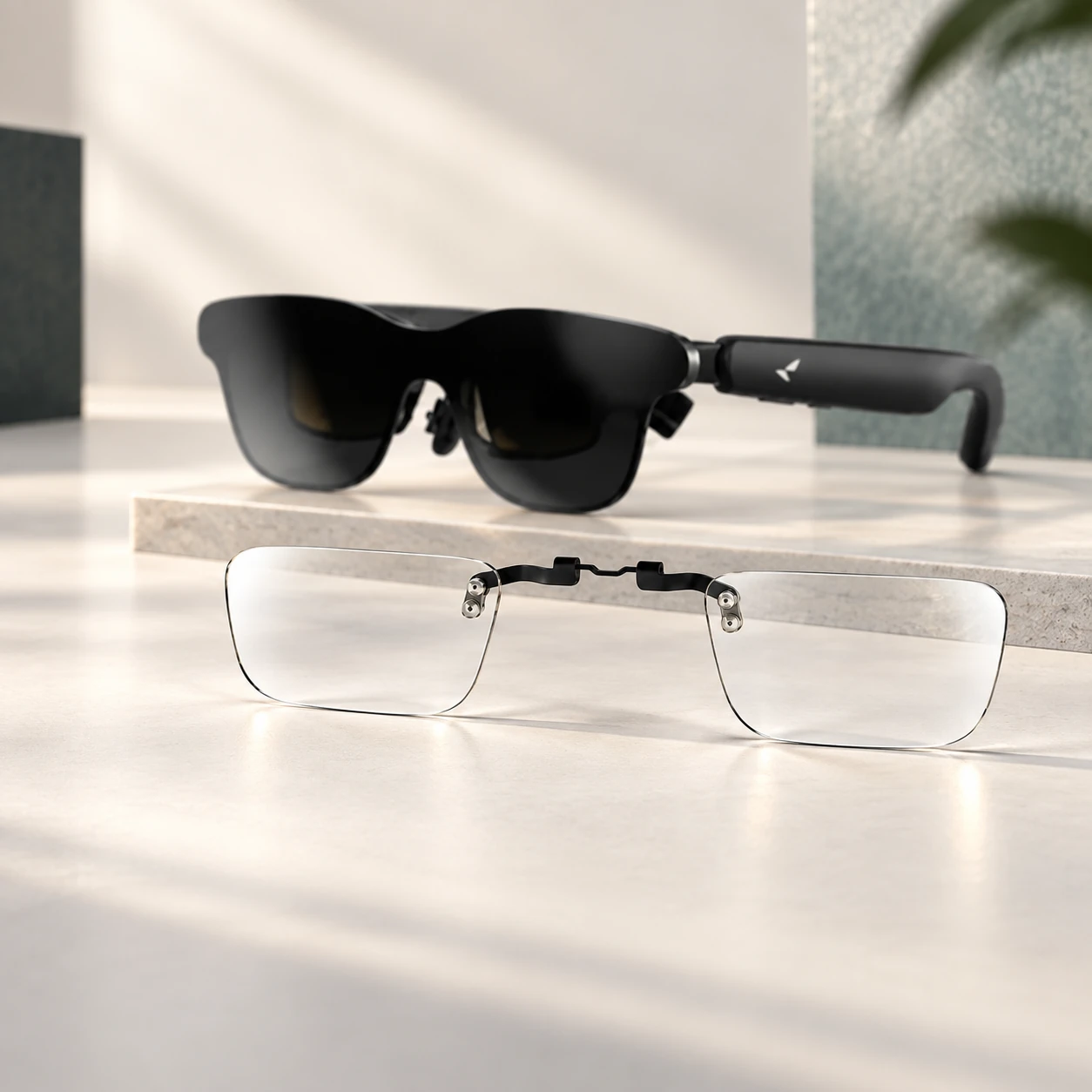
Exact device first
Prescription details reviewed
Made to order
Production and transit separated
Begin with the hardware in your hands.
Choose a product family, then read the exact model and variant names. A directory entry is not proof of compatibility.
Choose the exact headset, generation and variant before prescription details are attached to an order.
Device directory only · confirm the exact model before ordering
AR display glasses use an insert or carrier route. They are not grouped with frame-replacement lenses.
Device directory only · confirm the exact model before ordering
Choose the exact frame family, shape and size before ordering replacement lenses.
Device directory only · confirm the exact model before ordering
Ray-Ban Meta — Wayfarer / Skyler / Headliner
Wayfarer RW M (50-22); Wayfarer RW L (53-22); Skyler RW (52-20); Headliner (51-23); Headliner RW (50-23)
Do not see your exact device or frame? Keep the model name and ask before entering prescription details.
Device names are used only to identify intended products. They do not imply authorization, certification or affiliation with their manufacturers.
A shorter path, with the important checks kept visible.
Choose the exact device first, then review the selected product page for prescription requirements, pricing and timing.
Choose the exact device
Confirm the brand, model, generation and variant before choosing a lens path.
Add and review prescription details
Provide prescription details using the options available for the selected product, then resolve unclear values before production.
Review the order before production
Check the device, product type, prescription summary and the information that affects price and timing.
Review the order facts, not just the prescription.
Review what is being made, what affects the price, and the separate estimates for production and carrier transit.
Device and variant
Product type and contents
Prescription summary
Price breakdown
Production estimate
Shipping estimate
Support and remedy route
Keep OD and OS clear before production.
Provide prescription details using the options available for the selected product. If a value is unclear, contact Support before ordering; order review is not an eye examination.
Upload a prescription
Upload a prescription image when this option is available for the selected product.
Manual entry
Keep right/OD and left/OS values visibly separated and review every sign and conditional field.
A closer look at the RayNeo GT prescription lens insert.
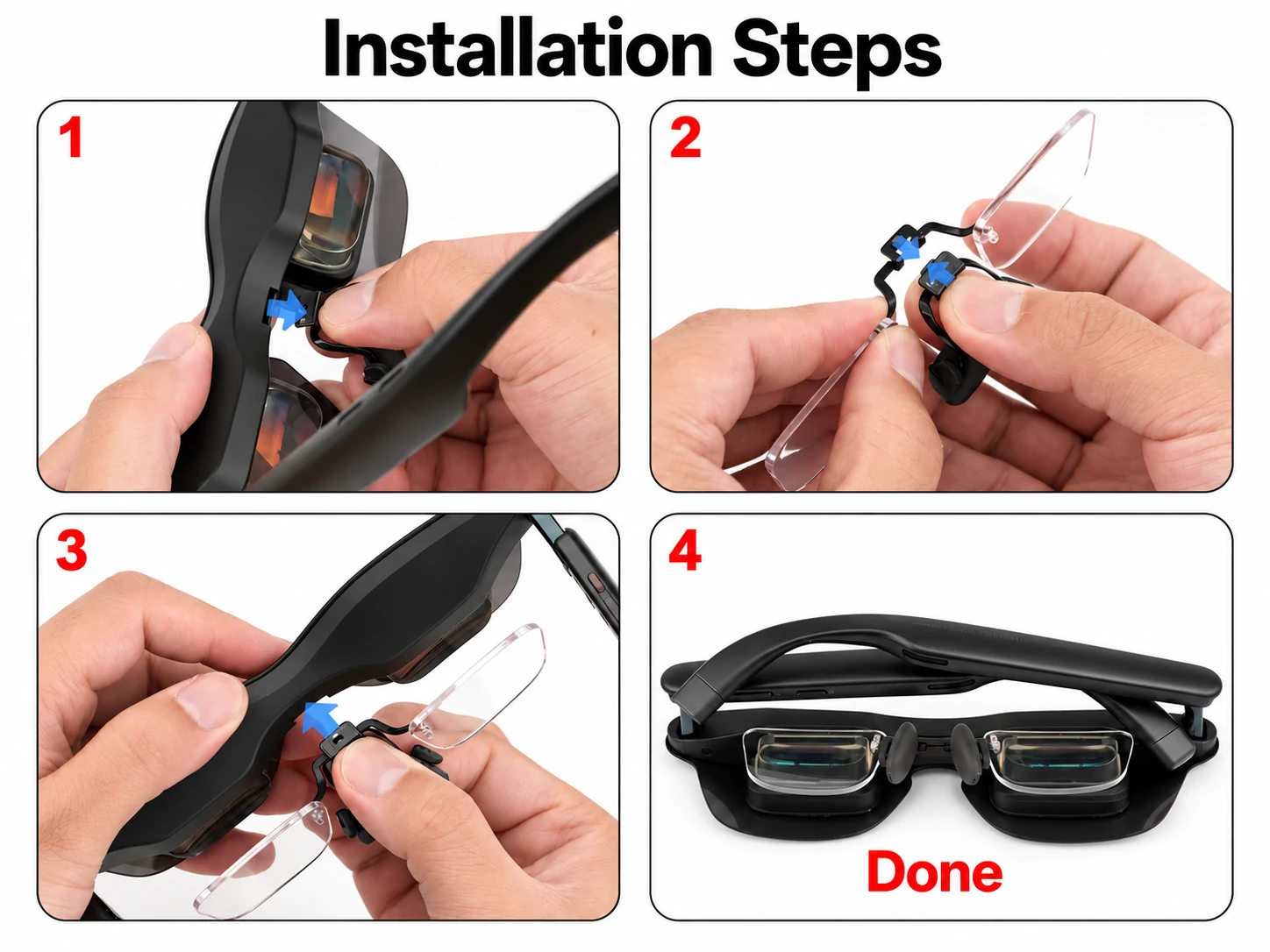
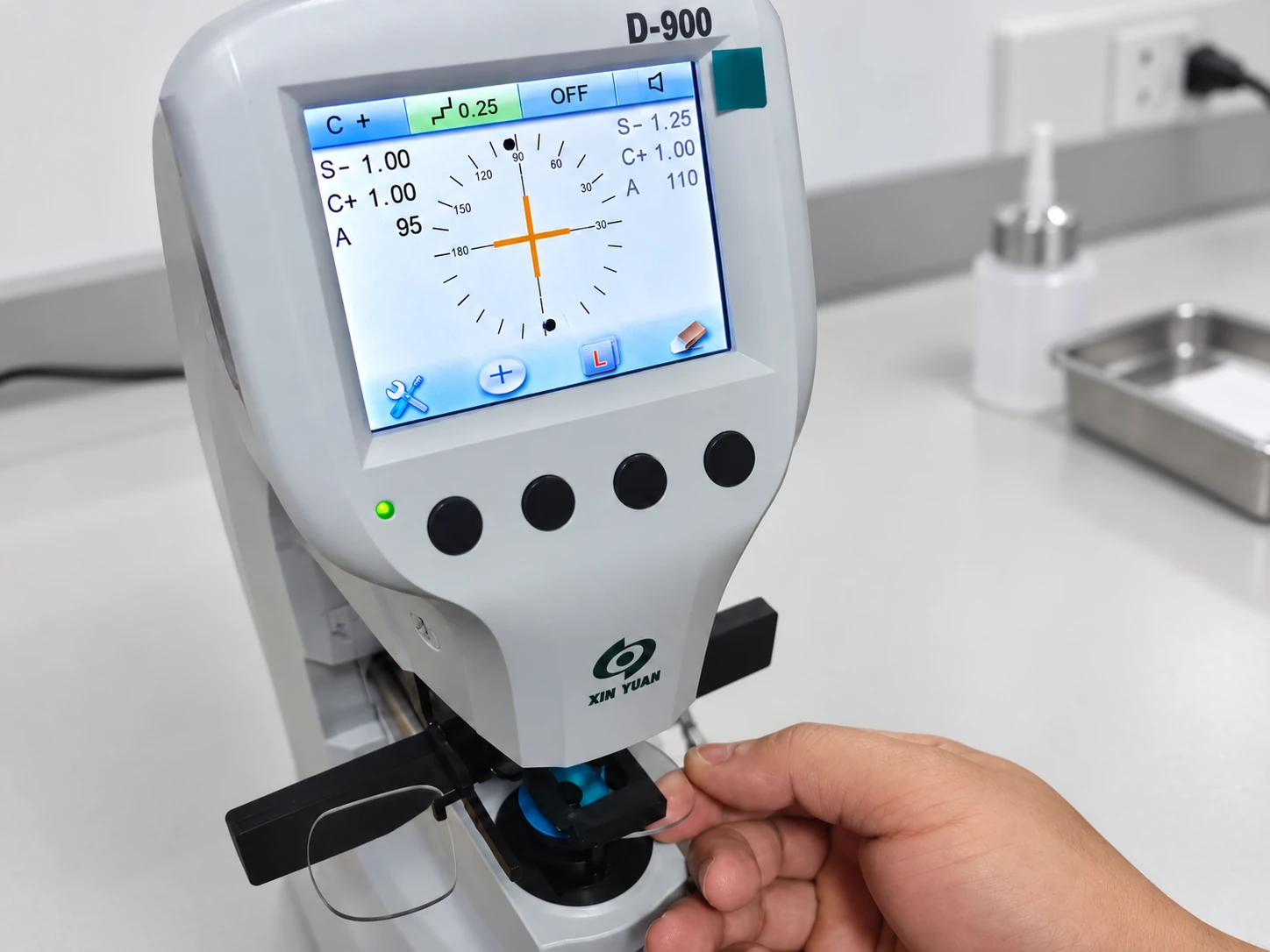
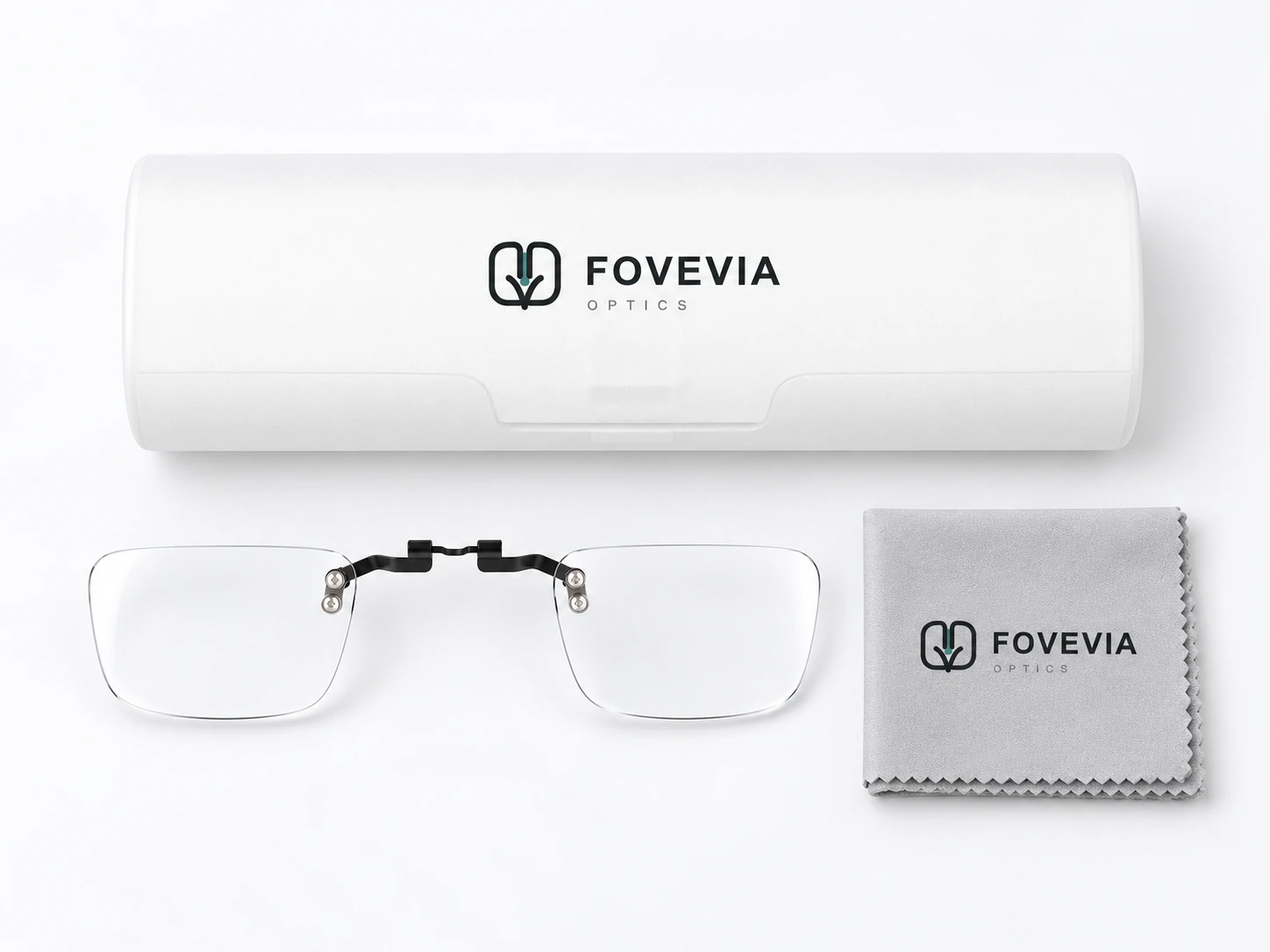
Use the right guide before entering order details.
Guides
Browse published routes for devices, prescriptions, setup and support.
Lens Technology
Learn about lens materials, coatings and optical quality.
How It Works
Review device, prescription, production, delivery and setup checkpoints.
VR Headset Lenses
Review the published VR lens route and headset directory.
Smart Glasses Lenses
Compare published insert and replacement-lens routes for smart glasses.
Start with what is still uncertain.
Why do I need the exact device model and variant?
Models from the same brand can use different insert geometry, carriers or frame sizes. Start with the complete model name before choosing a lens path.
Does a listed device mean compatibility is confirmed?
No. A directory listing helps you find the right product family, but it does not confirm fit. Check the exact device and product details before ordering.
How will I provide my prescription?
Provide prescription details using the options available for the selected product. Review prescription questions or contact Support if a value is unclear.
Is production time the same as shipping time?
No. Production covers making and checking the product. Carrier transit begins after dispatch and is listed separately.